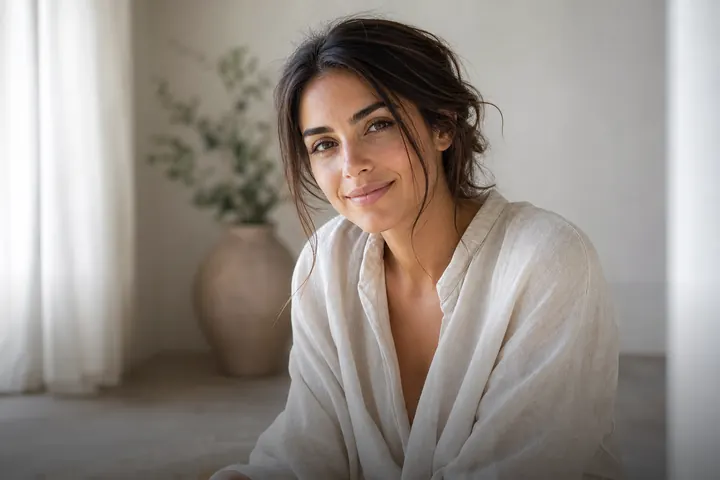
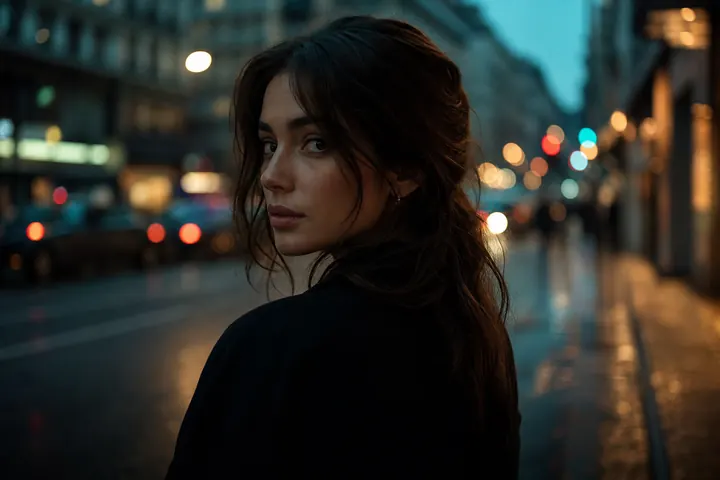
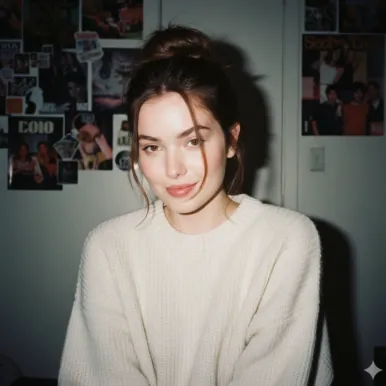
Golden Hour
Golden hour light — even if you shot at noon
Warm, low sun. Glowing skin. Long soft shadows.

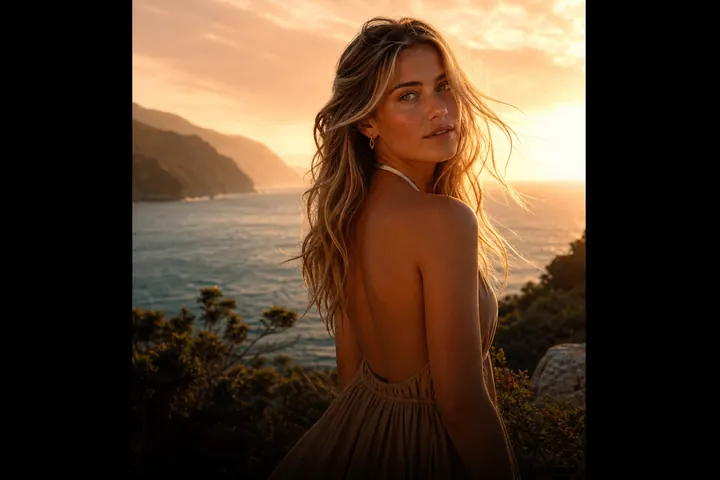
Prompts to try in the app
- “Golden hour sunset light from the left”
- “Warm sunset glow, ocean behind me”
- “Soft backlit golden hour, hair glowing”
Why golden hour flatters everyone
The hour after sunrise and before sunset gives low, warm, directional light. It softens skin, adds a rim of light around hair and makes colours rich without harsh contrast. The problem: it lasts about an hour, and your trip photos were probably taken at midday.
How PhotoCrafter recreates it
The Golden Hour style relights your portrait with warm low-angle sun, softens shadows on the face and adds natural glow to the background. Your face, expression and pose stay the same.
Best photos for this style
- Outdoor portraits, beach and travel shots
- Photos where the sky is blown-out white
- Rooftop or balcony shots with a view
Pair it with Instagram aesthetic editing ideas for a cohesive feed.
How to use Golden Hour in PhotoCrafter
- 1
Open PhotoCrafter
Download PhotoCrafter on iPhone, iPad or Android and open the app.
- 2
Add your photo
Tap + and pick a clear, well-lit photo from your camera roll.
- 3
Choose Golden Hour
Open Styles and select Golden Hour, or type an instruction like “Golden hour sunset light from the left”.
- 4
Refine and save
Type follow-up tweaks if you like, compare versions, then save or share.
FAQ
Can I choose the direction of the sunlight?
Yes — type it in the chat editor, for example "sunset light from the right".
Does it work indoors?
It works best near a window or outdoors, but you can ask for "warm sunset light through the window" indoors.