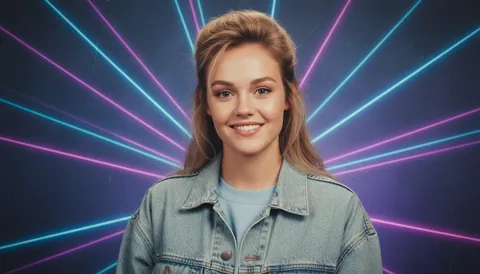
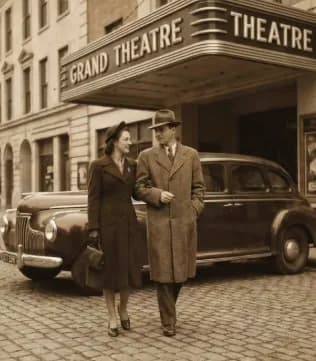
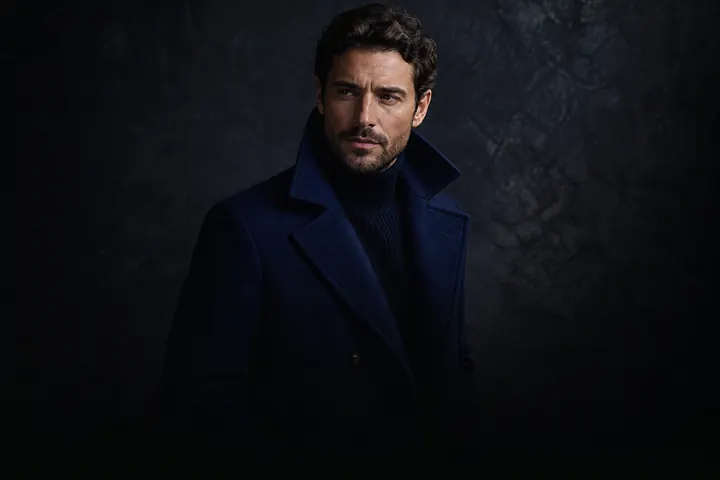
1990s Film Camera Portrait
The 90s film-camera look, without waiting for the lab
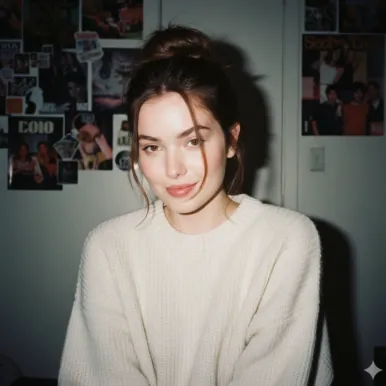
Direct flash, honest grain, warm nostalgic colour.

Prompts to try in the app
- “1990s point-and-shoot camera photo with direct flash”
- “Disposable camera look, film grain, date stamp”
- “Emotional film photography, soft grain, warm tones”
Why film is back
Film photos feel candid and real. The harsh on-camera flash, visible grain, slightly off colours and imperfect framing are the opposite of over-polished phone photos — which is exactly why they feel authentic.
Two film styles in PhotoCrafter
- 1990s Camera Style Portrait — direct flash, bedroom-wall vibes, a snapshot from a friend's camera.
- Emotional Film Photography — softer, cinematic film grain with warm, nostalgic colour.
Go deeper
Read how to get the 90s film camera look on your phone for prompt ideas and shooting tips.
How to use 1990s Film Camera Portrait in PhotoCrafter
- 1
Open PhotoCrafter
Download PhotoCrafter on iPhone, iPad or Android and open the app.
- 2
Add your photo
Tap + and pick a clear, well-lit photo from your camera roll.
- 3
Choose 1990s Film Camera Portrait
Open Styles and select 1990s Film Camera Portrait, or type an instruction like “1990s point-and-shoot camera photo with direct flash”.
- 4
Refine and save
Type follow-up tweaks if you like, compare versions, then save or share.
FAQ
Can I add a date stamp?
Yes — ask for "orange date stamp in the corner" in the chat editor.
Does it work on group photos?
Portraits with one or two people give the most reliable results.