Guides · 7 min read
How to Edit Photos by Typing What You Want (AI Text Prompts, Explained)
Edit photos with plain words instead of sliders. A step-by-step guide to AI text-prompt photo editing, with example prompts and tips for better results.
By PhotoCrafter Team ·
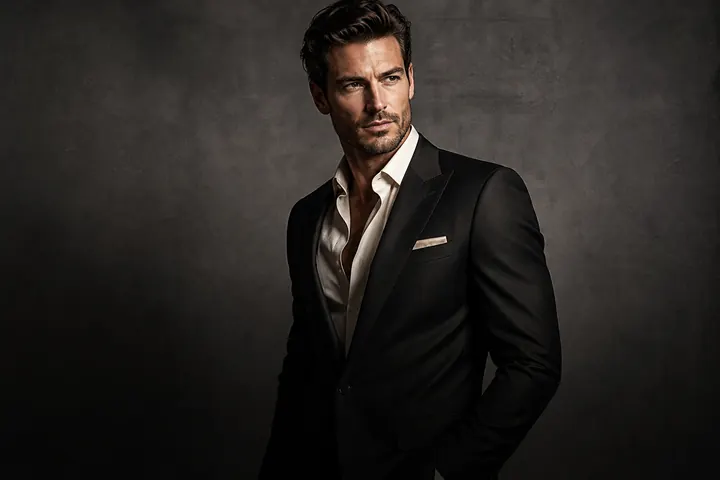
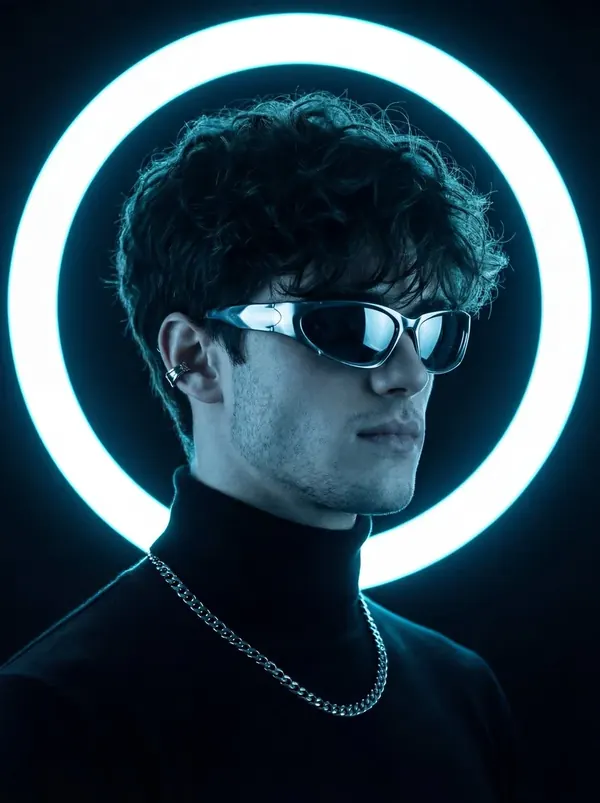
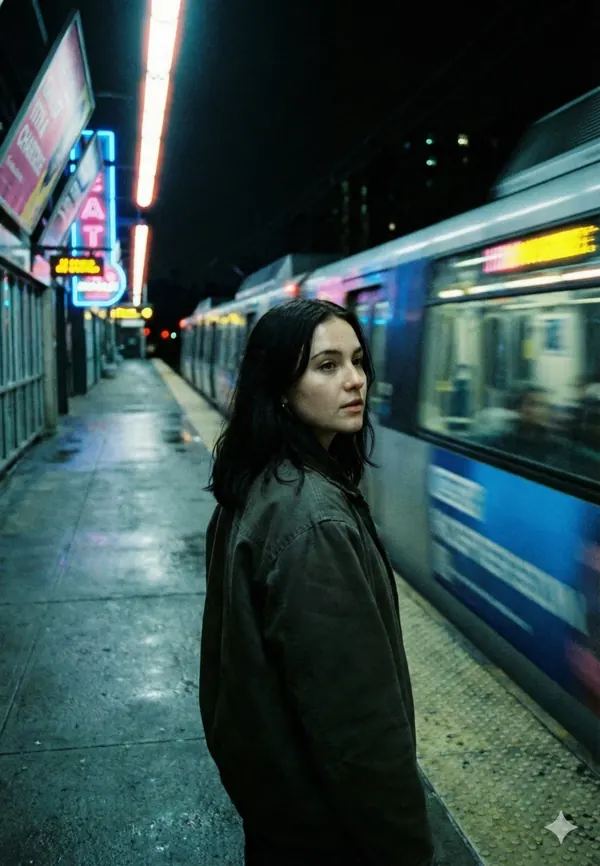
For twenty years, editing a photo meant learning sliders: exposure, highlights, curves, HSL, masks. AI photo editors flip that around. You describe the result you want — "make it cinematic", "warmer light", "remove the people behind me" — and the model does the work.
This guide explains how text-prompt editing works, how to write prompts that get great results, and how to fix an edit that isn't quite right.
What is text-prompt photo editing?
Text-prompt editing (sometimes called instruction-based editing) uses an image model that takes two inputs: your photo and a sentence describing the change. Instead of generating a brand-new image from scratch, it edits the photo you gave it — keeping the composition, the person and the scene, and changing what you asked for.
In PhotoCrafter, that's the chat editor: open a photo, tap Type, write what you want, and send. Every result is saved as a new version (V1, V2, V3…) so you can compare and go back.
Step by step
- Pick a strong source photo. Sharp, well-lit, face clearly visible. AI can relight a scene, but it can't invent detail that isn't there.
- Start with one clear instruction. "Make it golden hour" beats "make it golden hour and cinematic and add rain and change my jacket".
- Look at the result, then refine. Follow-ups like "a little warmer" or "less background blur" build on the current version.
- Compare versions. Swipe between the original and each version; export the one you like.
How to write better prompts
Describe the look, not the settings
Say "soft window light from the left", not "+0.7 exposure, −20 highlights". Models understand scenes, light and mood better than numbers.
Use photography vocabulary
A few words carry a lot of meaning:
- Lighting: golden hour, backlit, rim light, low-key, high-key, softbox, neon, candlelight
- Mood: moody, airy, dreamy, editorial, candid, cinematic
- Camera & film: 35mm film, disposable camera, direct flash, shallow depth of field, film grain
- Colour: teal and amber, muted, pastel, black and white, warm, cool
Say what to keep
Add "keep my face and expression the same" or "keep natural skin texture" when it matters. PhotoCrafter's styles already preserve facial features, but being explicit helps with unusual requests.
One change at a time for precision
Stacking five changes in one prompt makes it harder to see what worked. Chain them instead: lighting first, then background, then colour.
15 prompts to try today
- Make it cinematic
- Golden hour sunset light from the left
- Bright and airy, soft white window light
- Dark and moody, single warm light
- Professional headshot with a soft grey studio background
- Remove the people behind me
- 1990s point-and-shoot camera with direct flash
- Black and white editorial portrait, strong side light
- Rainy neon city street at night
- Clean minimal beige background
- Magazine cover style portrait
- Renaissance oil painting portrait
- Make my outfit a tailored navy blazer
- Add soft film grain and warm tones
- Snowy winter evening, warm street lights
We keep a much longer list in AI photo editing prompts that actually work.
When the result isn't right
- Too strong? "Make the effect subtler" or "50% less contrast".
- Face looks off? Go back a version and add "keep my facial features exactly the same".
- Background is messy? Ask for "clean, slightly blurred background".
- Still stuck? Try a preset style first, then fine-tune with text — styles are carefully tuned starting points.
Prompts vs. presets: which should you use?
Presets (Styles in PhotoCrafter) are fastest: one tap, consistently good results, and new ones drop every week. Prompts are most flexible: anything you can describe. The best workflow uses both — start with a style, finish with words.
Frequently asked questions
Do I need to learn prompt engineering?
No. Short, natural sentences work best. Describe the light, mood or change you want in plain words.
Will text-prompt editing change my face?
PhotoCrafter is built to keep the uploaded person's facial features consistent. Lighting, background and styling change; identity shouldn't.
Can I undo an AI edit?
Yes. Every edit is saved as a new version, and the original is always kept.