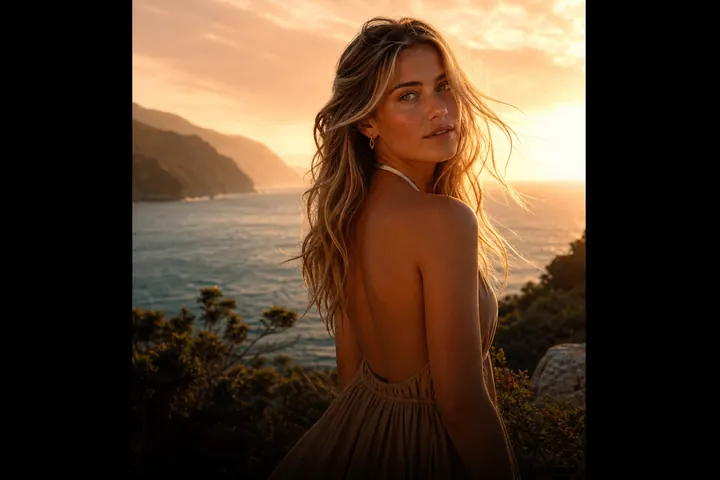
Airy & Clean
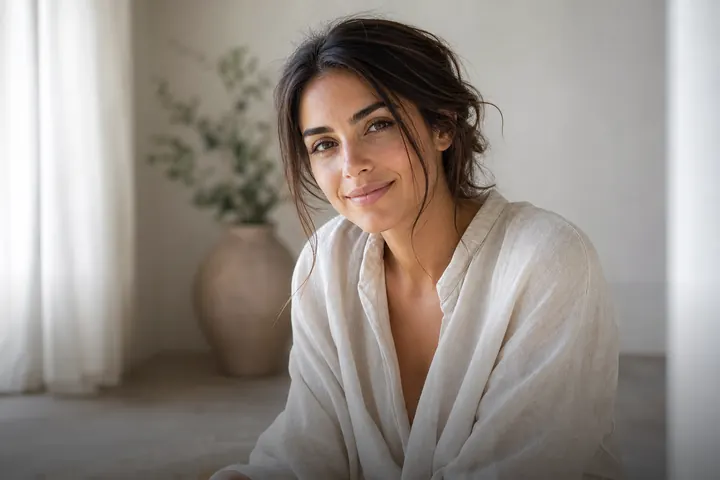
Bright, airy and effortlessly clean
Soft white light and fresh, natural tones.

Prompts to try in the app
- “Bright and airy, soft white window light”
- “Clean minimal background, light and fresh”
- “Soft pastel airy edit, natural skin”
The airy aesthetic
Light and airy edits lift shadows, soften contrast and push colours toward clean whites and gentle pastels. The result feels calm, honest and fresh — the look of lifestyle brands, wellness creators and wedding photographers.
PhotoCrafter's Airy & Clean style
It relights your portrait with soft, diffused window light and cleans up a cluttered background without making it look fake. Skin keeps its natural texture — no plastic smoothing.
Perfect for
- Lifestyle and wellness content
- Dating profiles that feel warm and approachable
- Clean, consistent Instagram grids — see aesthetic edit ideas
How to use Airy & Clean in PhotoCrafter
- 1
Open PhotoCrafter
Download PhotoCrafter on iPhone, iPad or Android and open the app.
- 2
Add your photo
Tap + and pick a clear, well-lit photo from your camera roll.
- 3
Choose Airy & Clean
Open Styles and select Airy & Clean, or type an instruction like “Bright and airy, soft white window light”.
- 4
Refine and save
Type follow-up tweaks if you like, compare versions, then save or share.
FAQ
Will it over-smooth my skin?
No. The style is designed to keep natural texture; you can also say "keep natural skin texture" in the editor.
Can I remove clutter in the background?
Yes, ask for a cleaner background, or use the Crowd Removal style for people behind you.