Ideas · 8 min read
50 AI Photo Editing Prompts That Actually Work (Copy & Paste)
Copy-and-paste AI photo editing prompts for portraits, travel, headshots, film looks and art styles — plus the formula for writing your own prompts.
By PhotoCrafter Team ·
Good prompts are short, visual and specific. Below are 50 we've seen work well in text-based photo editors like PhotoCrafter's chat editor. Copy one, paste it, then refine.
The prompt formula
[Look or style] + [light] + [background/setting] + [what to keep]
Example: "Editorial portrait, soft side light, plain beige backdrop, keep my face the same." You rarely need all four parts — but when a result is off, the missing part is usually the fix.
Portrait lighting
- Soft window light from the left
- Golden hour sunset light, warm glow on skin
- Backlit with sun flare through the hair
- Low-key portrait, single light, deep shadows
- High-key bright studio portrait, white background
- Rim light outlining the face, dark background
- Neon pink and blue lighting, night city
- Candlelight warm glow, intimate mood
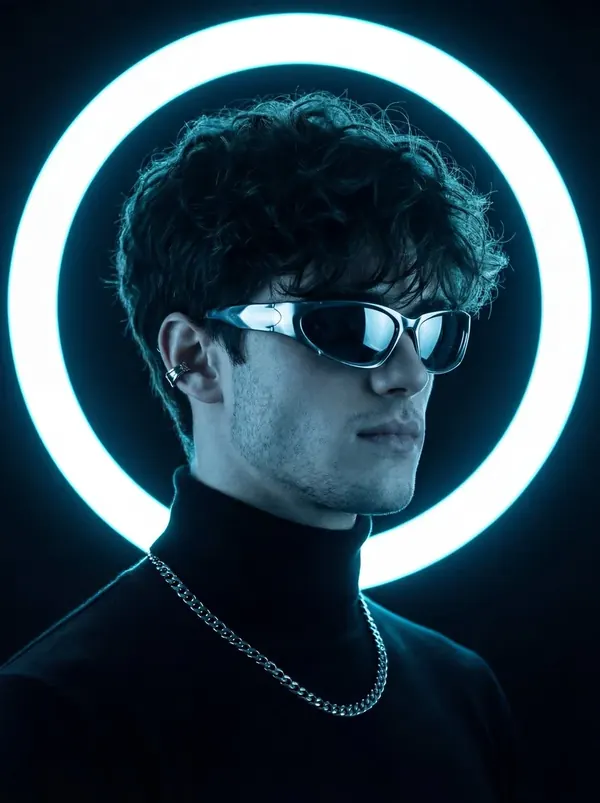
- Ring light halo behind me
- Overcast soft daylight, natural tones
Cinematic & film
- Make it cinematic
- Film still, anamorphic bokeh, teal and amber
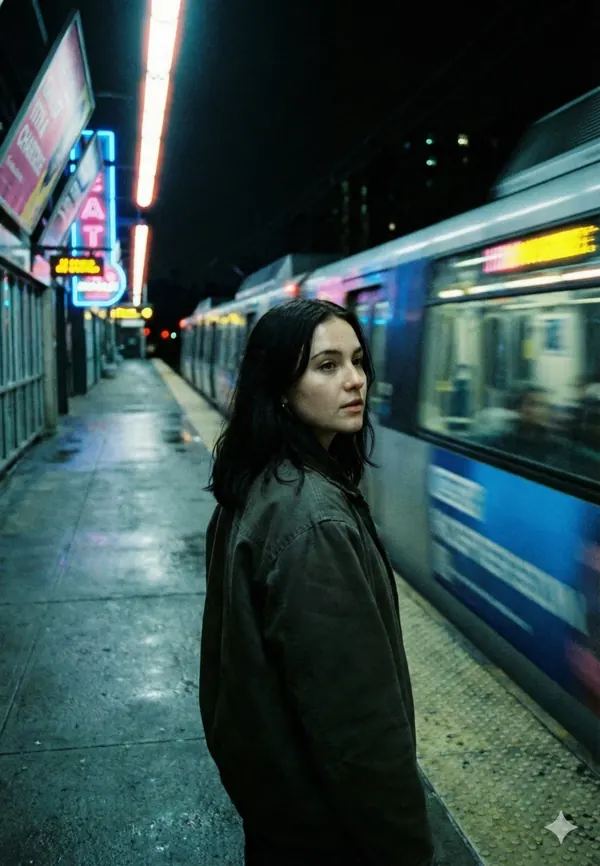
- Rainy neon street at night, reflections
- 35mm film photo, soft grain, warm cast
- 1990s point-and-shoot camera with direct flash
- Disposable camera look with orange date stamp
- Black and white film noir, hard shadows
- Dreamy hazy summer film look
- 90s Hong Kong film colour and motion blur
- Moody indie film, muted greens
Professional & LinkedIn
- Professional headshot, soft grey studio background
- Modern startup team photo, blurred glass office
- Corporate portrait, navy blazer, confident smile
- Clean white background, business casual
- Speaker bio photo, stage lighting behind me
- Keep natural skin texture, subtle retouch only
Travel & background
- Remove the people behind me
- Replace the sky with a soft sunset
- Make the street empty and clean
- Put me on a Mediterranean balcony at sunset
- Snowy mountain background, winter light
- Tropical beach, late afternoon light
- Paris café street, morning light
- Clean minimal beige background
Social & aesthetic
- Bright and airy, pastel tones
- Dark academia aesthetic, library background
- Old money aesthetic, soft neutral tones
- Y2K flash photo, glossy look
- Clean girl aesthetic, dewy natural light
- Moody coffee shop window portrait
Art & fun
- Renaissance oil painting portrait
- 90s yearbook school photo, laser background
- Magazine cover portrait with space for a title
- Vintage 1970s photo, faded warm colours
- Watercolour painting style
- Collectible action figure in packaging
- 3D cartoon character version of me
- Pencil sketch portrait
- Comic book style with bold outlines
- Aging through the years, same person at 70
Tips for refining
- Go one step at a time. Lighting → background → colour.
- Use comparatives: "warmer", "less blur", "subtler".
- Name what to keep if something important changes.
- Save winners. In PhotoCrafter every version stays available, so you can come back to a good V2 after a bad V3.
Prefer one tap? Every style in the PhotoCrafter style library is a tuned, tested version of prompts like these.
Frequently asked questions
Do longer prompts give better results?
Not usually. One or two clear visual instructions beat long lists. Refine with follow-ups instead.
Can I use these prompts in other apps?
Yes, they're written in plain language and work in most instruction-based AI photo editors.