Guides · 6 min read
How to Make a Professional Headshot From a Selfie (Free AI Method)
Turn a selfie into a professional headshot for LinkedIn or your résumé. How to shoot the selfie, which AI style to use, and the mistakes that make headshots look fake.
By PhotoCrafter Team ·
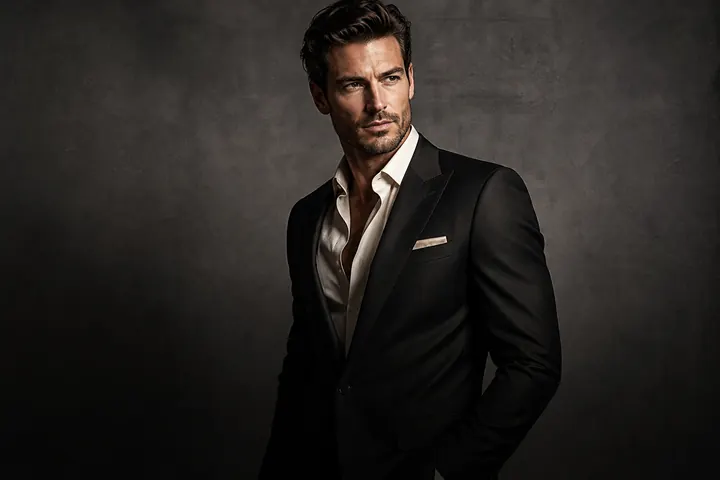
A good headshot does a surprising amount of work: it's the first impression on LinkedIn, in a job application, on a conference schedule and in every video-call thumbnail. You no longer need a studio booking to get one. Here's how to turn a selfie into a professional headshot that still looks like you.
Step 1: Take the right selfie (2 minutes)
The AI can rebuild light and background, but it starts from your photo. Give it something good:
- Face a window. Soft daylight from the front is the most flattering light there is.
- Hold the phone at eye level or slightly above. Low angles are unflattering.
- Use the back camera with a timer if you can — it's sharper than the front camera.
- Shoulders in frame. Headshots look best with a bit of collar or jacket.
- Natural expression. Think of something mildly funny; a slight smile reads as confident.
- No sunglasses, heavy filters or beauty modes. Let the AI start from reality.
Step 2: Choose a headshot style
In PhotoCrafter, open Styles and pick one:
- Professional Headshot — tight crop, studio background, clean light. Best for LinkedIn, résumés and corporate bios.
- One-Click Business Photo — relaxed tech-team look with a blurred modern office.
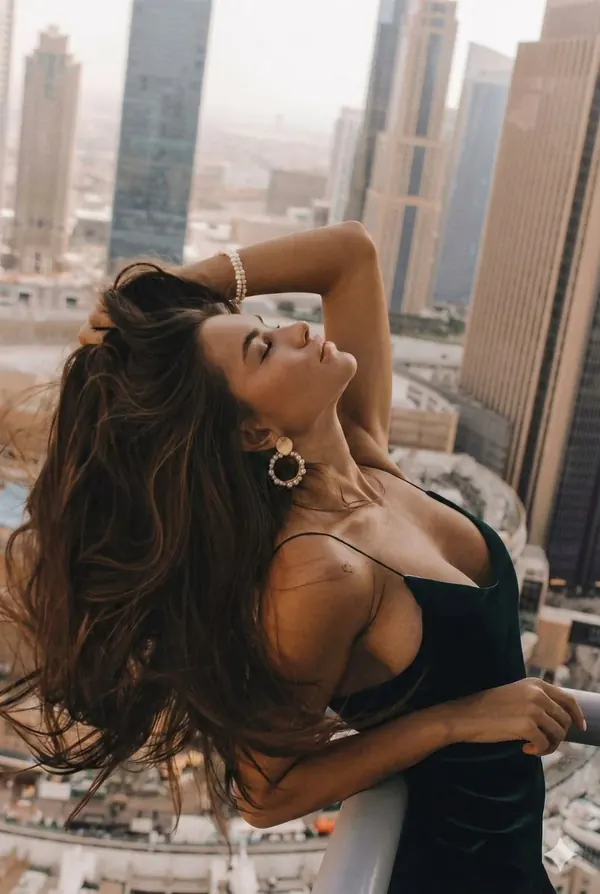
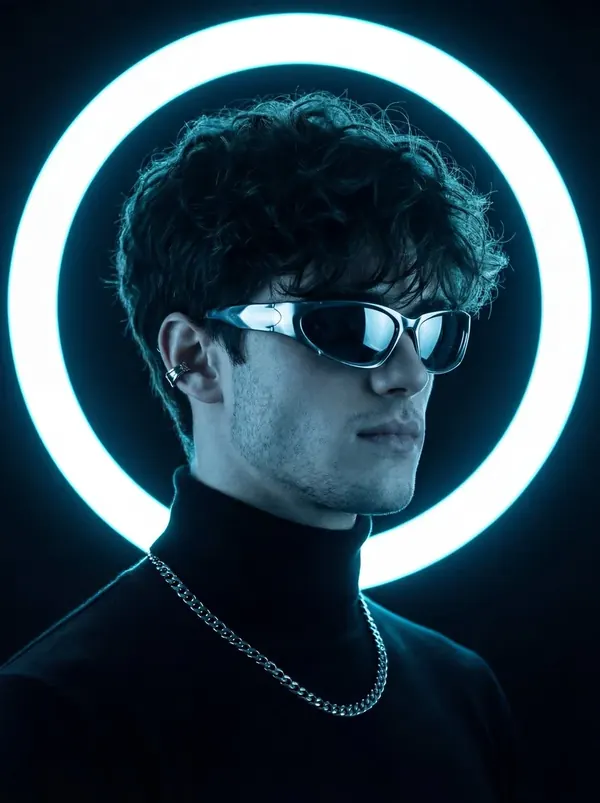
- Editorial Portrait — more dramatic; great for creatives, founders and speakers.
Step 3: Refine with words
Your first version is a starting point. Use the chat editor to adjust:
- "Soft grey background instead of white"
- "Warmer, more natural skin tones"
- "Make the blazer navy"
- "Keep my natural skin texture"
Every change is saved as a new version, so experiment freely.
Mistakes that make AI headshots look fake
- Over-smoothed skin. Real skin has texture. Ask to keep it.
- Wrong age or features. Use a tool that preserves identity — PhotoCrafter styles are written to keep the uploaded person's facial features consistent.
- Mismatched lighting. If the face and background light come from different directions, ask for "consistent soft studio light".
- Over-styled wardrobe. A tuxedo on a software engineer looks odd. Match your industry.
- Using an old photo. Your headshot should look like the person who shows up to the meeting.
Where to use your new headshot
LinkedIn, résumés, portfolio sites, Slack/Teams/Zoom, speaker bios, podcast guest pages, freelance profiles and email signatures. Use the same photo everywhere — consistency helps people recognise you.
Next: LinkedIn profile photo tips that actually get more profile views.
Frequently asked questions
Are AI headshots allowed on LinkedIn?
LinkedIn asks that your photo be a likeness of you. An AI edit that preserves your real face and only improves light and background fits that.
How long does it take?
A few seconds per version once you have a good selfie.
Is it free?
PhotoCrafter is free to download and you can try styles before upgrading; Pro unlocks every style.